How Sailax DBC’s Chat Feature Transforms Networking?
The world of networking is constantly evolving. Gone are the days of simply exchanging print visiting cards and hoping for the best. In today’s digital age, individuals and organizations need dynamic tools that facilitate real-time interaction and build stronger connections.
This is where Sailax DBC steps in, revolutionizing the way we network with its innovative one-on-one chat feature.
The Limitations of Print Visiting Cards
For decades, the print visiting card served as the cornerstone of networking. We meticulously crafted our credentials onto a small piece of paper, hoping it would leave a lasting impression. However, print visiting cards have several limitations in today’s fast-paced environment:
- Limited Information: Business cards offer a restricted space to showcase your expertise and value proposition.
- One-way Communication: They are a one-way street of information exchange. There’s no way to follow up or engage in a conversation unless the recipient takes the initiative.
- Outdated Information : Printed cards quickly become outdated if your contact information changes.
- Lack of Personalization: They offer a generic way to present yourself, failing to capture your unique personality or brand.
The Rise of Digital Business Cards and the Need for More
Digital business cards emerged as a solution to these limitations. They allowed for more extensive information, real-time updates, and the ability to integrate with various online platforms. However, even digital business cards often fall short when it comes to fostering dynamic connections.
- Limited Interaction : While they offer more information, they cannot still have a direct conversation with the recipient.
- Passive Consumption : They rely on the recipient to take action, such as visiting a website or sending an email.
- Generic User Experience: Many digital business cards offer a static user experience, replicating the limitations of their physical counterparts.
Sailax DBC’s Chat Feature- A Game Changer for Networking
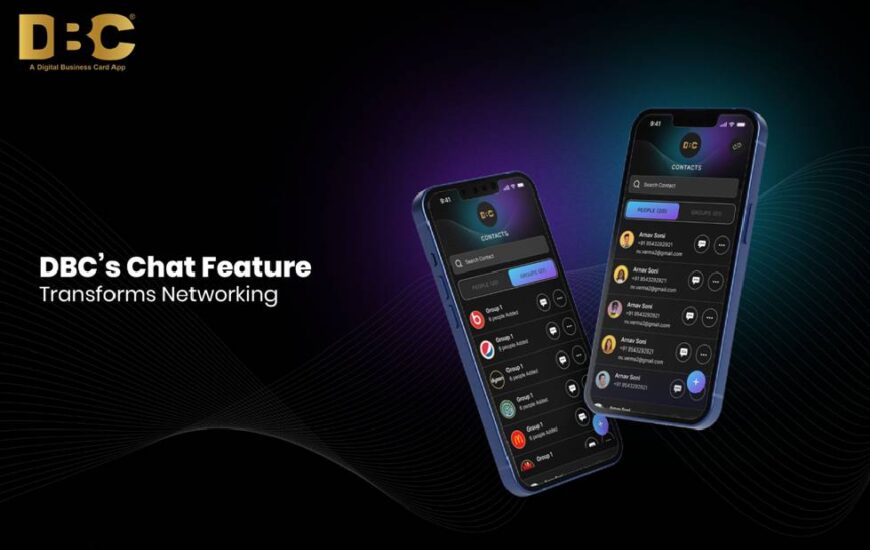
Sailax DBC’s one-on-one feature shatters these limitations, transforming your digital business card into a powerful networking tool. Here’s how this innovative feature empowers you to build stronger connections:
- Real-time Communication: Engage with your contacts directly through the integrated chat functionality.
- Increased Engagement: The chat feature encourages immediate interaction, fostering a more dynamic exchange of information and ideas.
- Personalized Connections: Move beyond static profiles. Use the chat to introduce yourself, answer questions, and build rapport on a personal level.
- Improved Follow-up: The chat history allows you to seamlessly follow up after exchanging cards, keeping the conversation going.
- Streamlined Communication: Eliminate the need for multiple communication channels. Use the chat to exchange contact details, schedule meetings, or share documents directly.
Benefits for Individuals and Organizations
The impact of Sailax DBC’s chat feature extends far beyond individual users. Organizations can leverage this functionality to enhance their networking capabilities in several ways:
- Build Stronger Client Relationships: Sales teams and customer service representatives can use the chat to connect with clients in real-time, answer questions, and address concerns promptly.
- Attract Top Talent: Recruiters can utilize the chat feature to connect with potential candidates, answer their inquiries, and schedule interviews efficiently.
- Foster Team Collaboration: Internal teams can leverage the chat to communicate seamlessly, share ideas, and collaborate on projects in real-time.
- Boost Brand Image : The ability to engage in personalized conversations through your digital business card reflects a forward-thinking and approachable brand image.
Beyond Chat- The Power of a Combined Approach
While the chat feature is a significant leap forward, its effectiveness is further amplified when combined with Sailax DBC’s other functionalities:
- Compelling Digital Profiles: Showcase your expertise, experience, and brand story through a well-crafted digital profile on your Sailax DBC card.
- Actionable CTAs: Include clear calls to action on your card, such as prompting viewers to connect via chat or visit your website.
- Seamless Integrations: Integrate your Sailax DBC card with other platforms like social media or CRMs for a streamlined workflow.
The Future of Networking- Interactive and Personalized

Sailax DBC’s chat feature represents a significant step towards a more interactive and personalized future of networking. By moving beyond static information exchange, it fosters real-time connections that build trust and strengthen relationships.
As technology continues to evolve, we can expect further innovations that seamlessly integrate chat functionalities with other communication and collaboration tools.
Embrace the Transformation- Start Chatting Today!
Don’t settle for print visiting cards in a dynamic world. Start your digital journey today with the power of Sailax DBC’s one-on-one chat feature. Here’s how to get started:
- Download the Sailax DBC App: For an even more convenient experience, download the updated version of Sailax DBC app. This app will offer a user-friendly interface specifically designed for managing your digital business card and utilizing the chat functionality.
- Create Your Digital Profile: Craft a compelling profile that showcases your skills and experience. Include a professional headshot, a clear value proposition, and relevant links to your website or social media accounts.
- Start Connecting: Share your digital business card with anyone you meet, both online and offline. Encourage them to connect and initiate conversations to build meaningful connections.
- Leverage the Chat Feature : Use the chat to answer questions, follow up on connections, and schedule meetings with your contacts.
Introducing the Sailax DBC App- The Future of Networking
We’re excited to announce the upcoming launch of the new version of Sailax DBC app, designed to revolutionize your networking experience further. The most exciting features of the app are:
- Enhanced Chat Functionality : The app version will offer an even more intuitive and user-friendly experience for engaging in real-time conversations with your contacts.
- Direct Messaging : Not only will you be able to chat with those who scan your QR code or tap your NFC card, but you’ll also be able to connect directly with other Sailax DBC app users, creating a dynamic networking community.
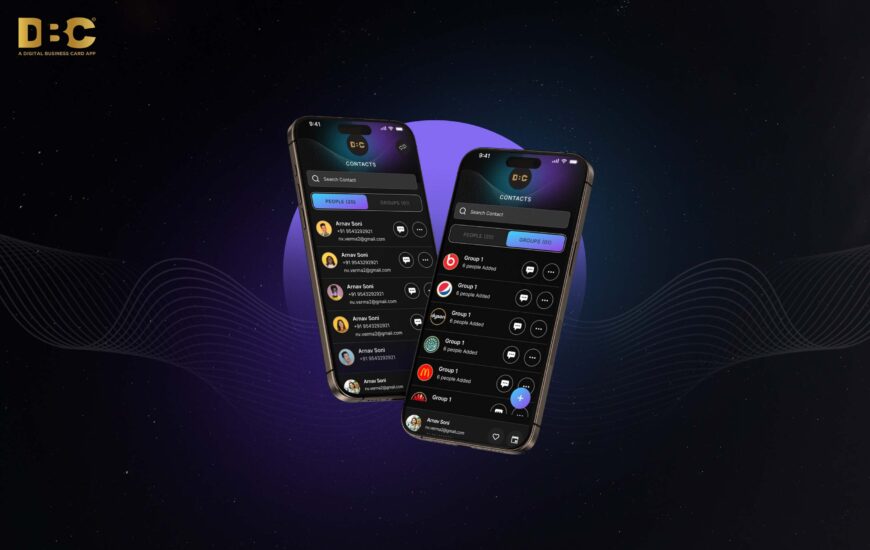
- Advanced Features: The app may include features like group chats, notification options, and chat history management, streamlining communication and fostering collaboration.
- Seamless Integration : Expect seamless integration with your existing calendar and CRM tools, allowing you to manage your networking activities effortlessly.
With the combination of Sailax DBC’s powerful chat feature and the upcoming app, you’ll have all the tools you need to build lasting connections, generate leads, and achieve your networking goals.
Stay tuned for the launch of the Sailax DBC app new rollout version and embrace the future of interactive and personalized networking!
FAQs
1. Is the chat feature available now?
A. The one-on-one chat functionality is integrated into the Sailax DBC app. You can download the app to use it right away to connect with your contacts in real-time.
2. Will the app allow me to chat with anyone who has Sailax DBC?
That’s the exciting part! While you can already chat with those who scan your QR code or tap your NFC card, the Sailax DBC app will take things a step further. It will allow you to directly message other Sailax DBC app users, creating a dynamic networking community where you can connect with like-minded professionals.
3. I'm not very tech-savvy. Is the chat feature easy to use?
A. The beauty of Sailax DBC’s chat feature is its simplicity. It’s designed with a user-friendly interface, similar to what you might be familiar with on other popular chat platforms. Just tap or click to start a conversation with your contacts, and the intuitive layout makes it easy to navigate.
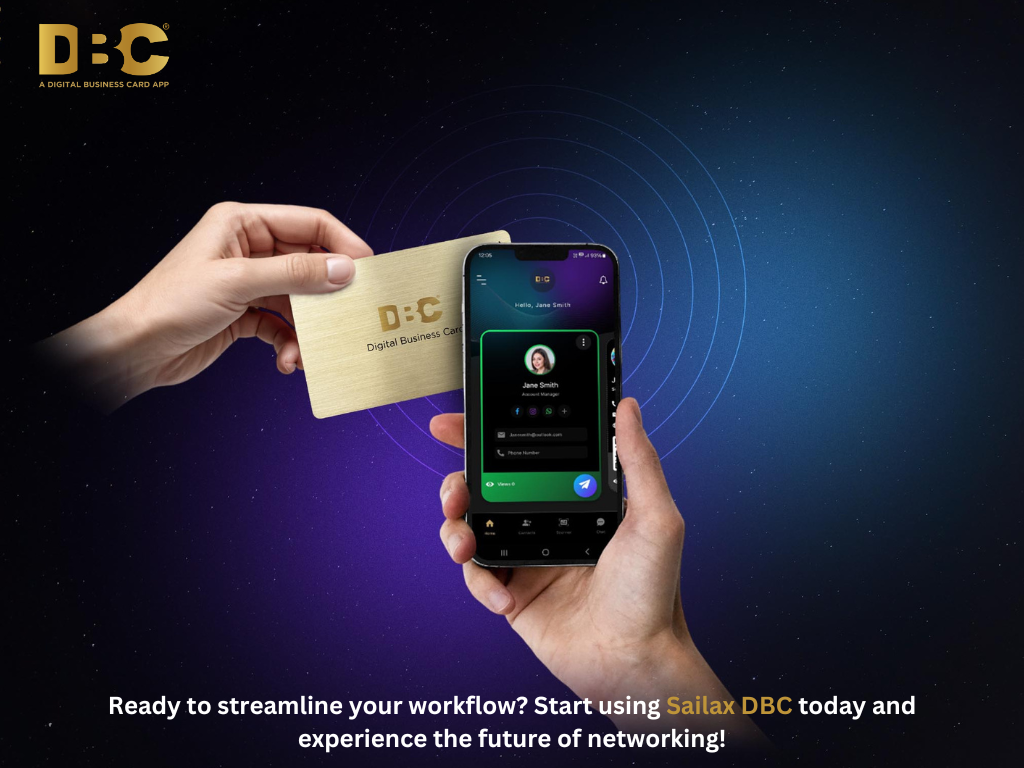 our workflow shouldn’t feel like a hurdle. It should be the engine driving your business forward. With Sailax DBC, you can say goodbye to clunky processes, disorganised contacts, and missed opportunities.
 Keeping your digital business card up-to-date is essential for effective networking and professionalism. With simple steps like utilizing cloud storage for easy access and setting reminders for periodic reviews, you can ensure that all information remains current and accurate.
 Digital business cards are not just a fleeting trend but a must-have tool for modern entrepreneurs. Their unparalleled convenience, efficiency and customisation make networking seamless and impactful. From showcasing your professionalism to scaling your brand, DBC is the perfect tool to boost your business interactions.


 As businesses evolve, so must the tools we use to connect and network.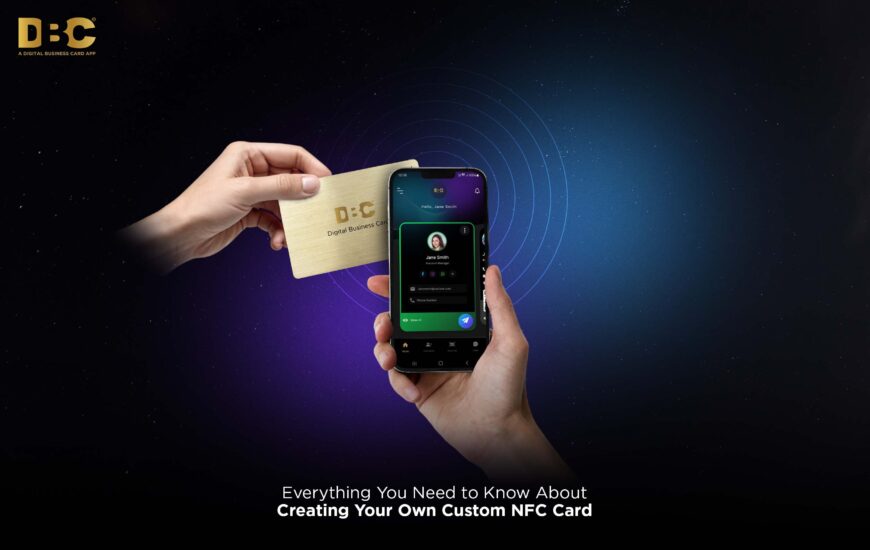

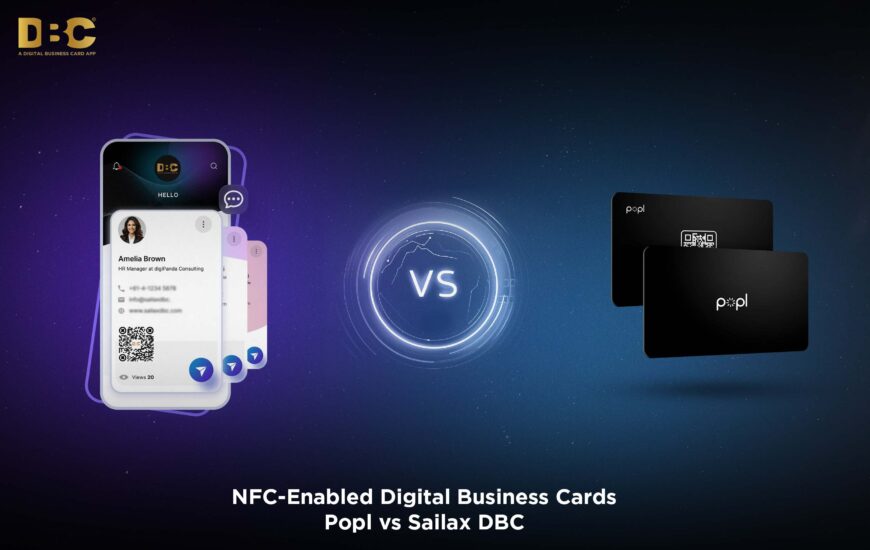
 As digital networking evolves, NFC-enabled business cards have proven to be a revolutionary step forward. Both Popl and Sailax DBC bring valuable features to the table, but Sailax DBC clearly stands out for professionals and businesses seeking an advanced, cost-effective, and eco-friendly solution.